
Ways the human layer enters an AI workflow.
Each service runs as a managed operation with your taxonomy and acceptance criteria, trained and calibrated reviewers, sampled QA, and reporting your team can audit.
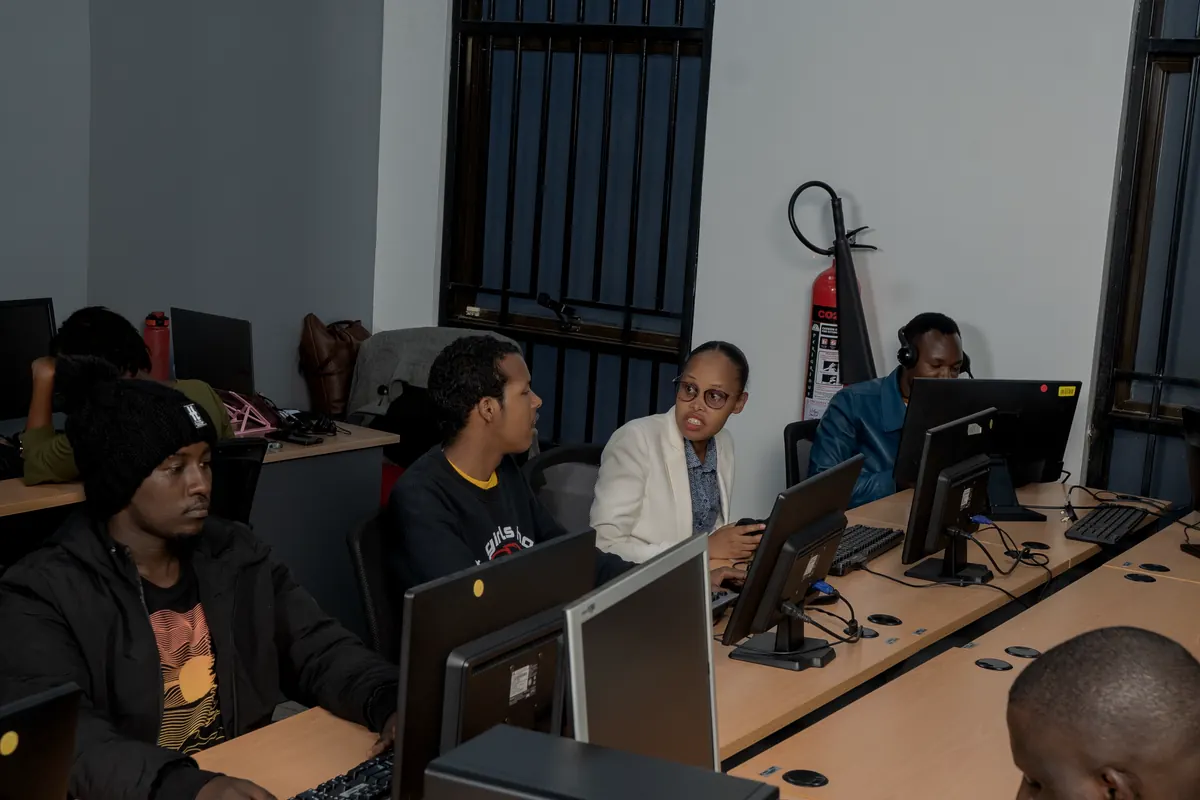
Selecting, cleaning and structuring raw data so only relevant, well organised records reach the model.
Marking data with the labels your taxonomy defines, so the model learns from examples that are consistent and accurate.
Checking annotations and model outputs against agreed quality rules, correcting errors and escalating cases that need judgment.
Judging generated responses on relevance, accuracy and safety, then turning those judgments into structured feedback.
AI performance starts with the data behind the model.
Raw, purchased or operational data often contains irrelevant records, duplicates, inconsistent formats or information that simply is not ready for training or evaluation.
Adept identifies, organises and structures datasets before they enter the AI workflow.
Cleaner, more relevant data entering the AI workflow.
Models need labels that reflect your taxonomy, use case and quality standard.
Adept provides managed teams for structured annotation workflows across data types. Pick a data type to see the work involved.
- 01Image classification
- 02Object detection
- 03Bounding boxes
- 04Polygon annotation
- 05Semantic segmentation
- 06Image and frame level review
- 07Video annotation and review
Consistent, usable training data produced through controlled workflows.
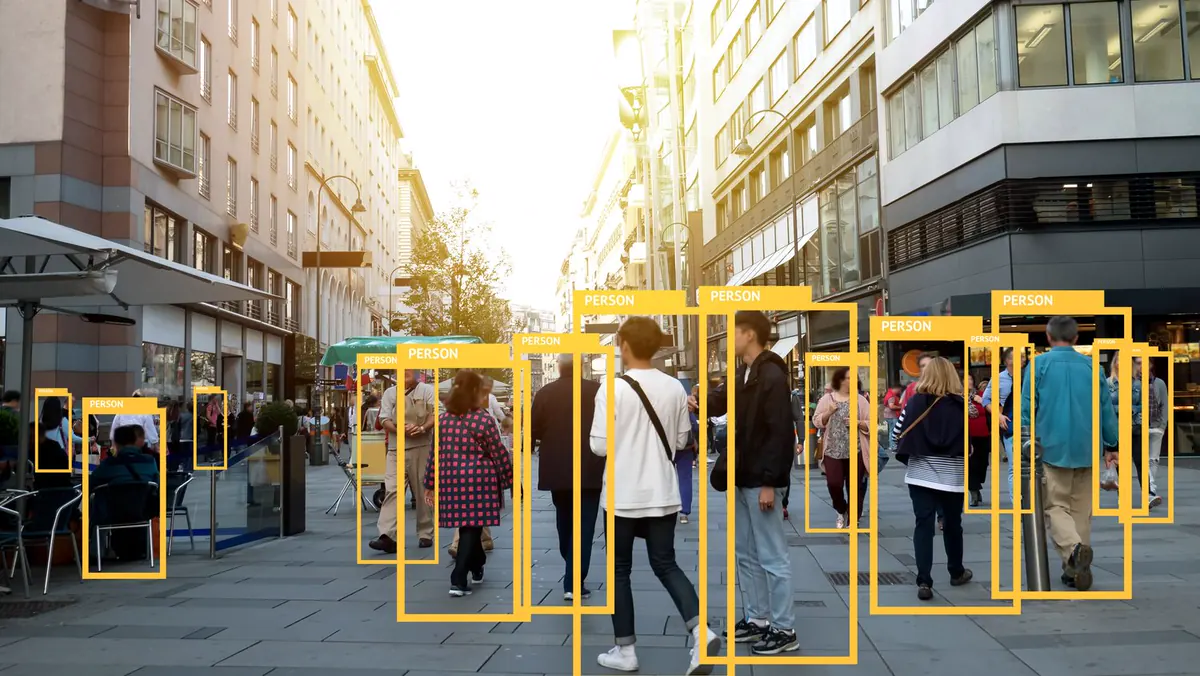


A model producing an answer does not mean the answer is trustworthy.
Human reviewers compare annotations and model outputs against project rules, ground truth and defined quality standards, identifying errors, inconsistencies and cases that need further review.
The most effective HITL workflows do not send everything to people. Automation handles predictable cases; uncertain, unusual or higher-risk outputs are routed for human review.

This turns difficult cases into useful feedback for improving the data, the workflow and, where appropriate, future model performance.
Better quality control, fewer recurring issues and a structured process for managing uncertainty.
Assess model outputs against the criteria that matter for your application.
Reviewers evaluate whether a response is correct, relevant, complete and consistent with the rules of the application, particularly useful for Generative AI and language models.
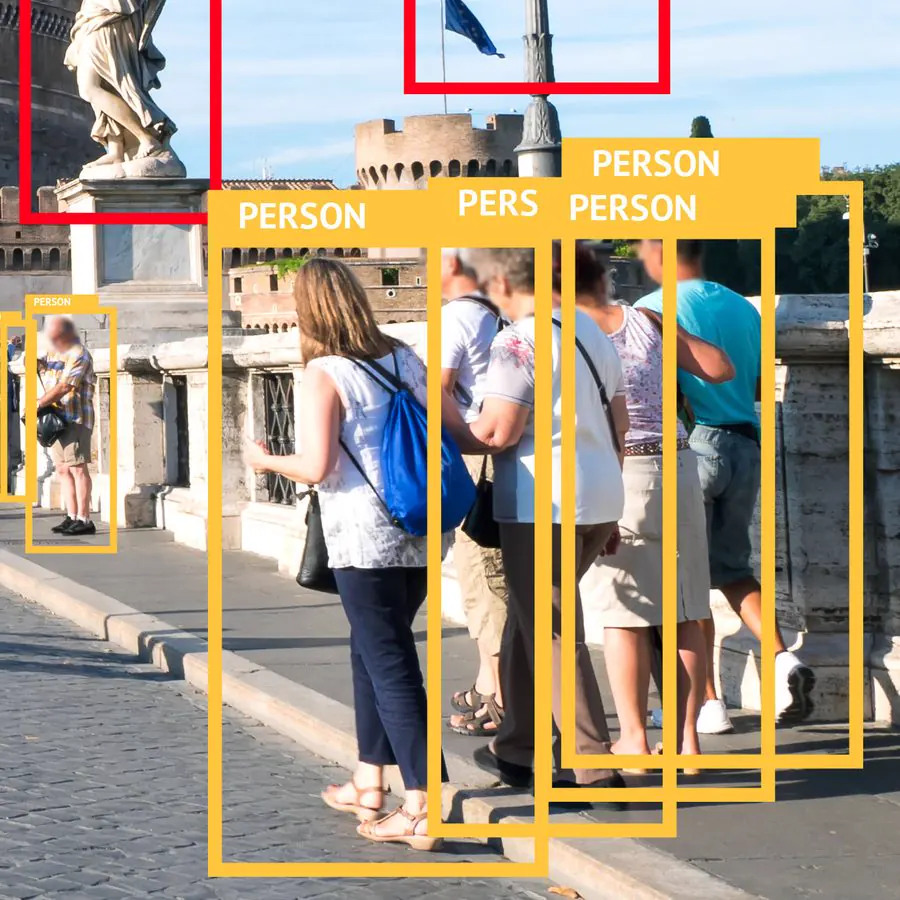
This extends the human role from teaching AI what to recognise to evaluating whether AI produced the right result.
Structured human feedback showing where model outputs meet requirements, and where they do not.
Not sure which layer you need?
Tell us where uncertainty shows up in your workflow and we will map the human layer around it.